
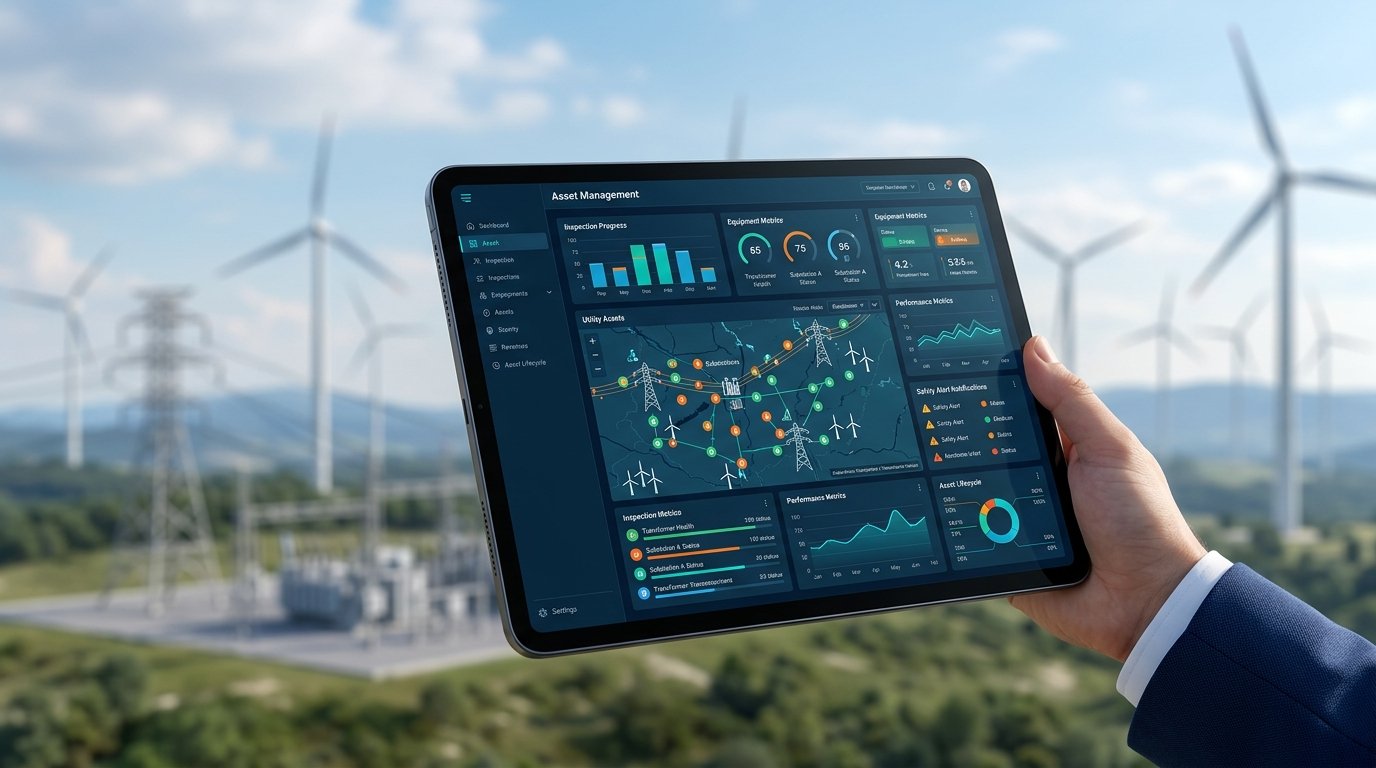
Integrating real-time field data with utility operations reduces safety incidents by identifying equipment hazards before they cause catastrophic failure. By deploying modern asset management inspection software, utility companies can link field observations directly to corrective work orders, establishing a closed-loop safety ecosystem. This immediate transfer of data removes the lag time that historically put field technicians at risk during routine maintenance and emergency response.
In the utility sector, field workers operate in high-risk environments every day. They work around high-voltage lines, high-pressure gas mains, and complex water distribution systems. In these environments, an undetected asset defect is not just an operational inconvenience. It is a direct threat to human life. When field inspections are disconnected from asset management databases, the resulting information lag can have severe consequences.
According to industry estimates, over 60% of the distribution lines and transformers in North America are currently operating past their designed lifespans. This aging infrastructure requires more frequent, rigorous inspections to prevent catastrophic failures. However, traditional paper records make it extremely difficult to track the true health of these assets across large geographic areas.
The Hidden Danger of Information Silos
Many utility organizations still rely on fragmented inspection methods. An inspector might record a damaged utility pole or a leaking transformer on a paper form, a standalone mobile app, or a spreadsheet. That data then must be manually transcribed, reviewed, and eventually entered into a separate maintenance system. This process can take days, sometimes weeks.
Consider a scenario where a gas utility inspector detects a minor class-two leak near a residential area. Under manual processes, this inspection report might sit on a clipboard in a service truck until the end of the shift. By the time the supervisor reviews the report, schedules the repair, and coordinates with the dispatch team, several days may have passed. If weather conditions change or gas concentrations build up, that minor leak can quickly escalate into a severe safety hazard for both the public and the technicians sent to fix it. The delay directly increases the risk of an ignition event.
During this delay, other field workers may be dispatched to the same site, unaware of the newly discovered hazard. For instance, a technician might climb a pole that has been flagged as structurally compromised but not yet repaired. Industry estimates suggest that delayed communication of asset defects contributes to up to 30% of preventable field accidents in the power sector. Manual data entry also introduces transcription errors, which can lead to crews arriving at the wrong location or with incorrect safety gear.
Bridging the Gap with Asset Management Inspection Software
To eliminate these communication gaps, utility companies are adopting integrated asset management inspection software. This specialized technology connects the workers who inspect the assets with the systems that manage maintenance and scheduling. Instead of waiting for manual data processing, the software synchronizes field observations with the central asset registry in real time.
When an inspector identifies a critical defect, the software does not just store the photo. It automatically evaluates the risk level based on pre-defined utility rules. If the risk exceeds safety thresholds, the platform triggers an immediate work order. This automated link ensures that dangerous equipment is prioritized for repair before another technician is sent to the site.
By capturing precise GPS coordinates and attaching time-stamped photographs, the software removes all ambiguity about which asset was inspected and when. If a technician is dispatched to a remote sub-station, they can pull up the exact history of that asset on their mobile screen before they even step out of their vehicle. They see exactly what the previous inspector saw, including any safety warnings or specific operational quirks.
How Real-Time Workflows Protect Field Crews
Let’s look at how a connected workflow functions during a typical utility inspection cycle. A field technician inspects a substation gas insulated switchgear. Using their mobile device, they note an abnormal SF6 gas pressure drop and log it into the asset management inspection software. Because the software is connected directly to the work order system, several actions occur instantly:
- The system flags the asset as hazardous in the shared database.
- An automated alert is sent to the safety manager and dispatch team.
- A high-priority work order is created, specifying the exact tools and protective gear required for the repair.
- Any other work orders scheduled for that specific substation are put on hold or updated with a safety warning.
This automated sequence prevents technicians from walking blindly into hazardous situations. The next crew sent to the site knows exactly what to expect, what safety protocols to follow, and what equipment to bring.
Let’s look at another practical scenario involving high-voltage overhead lines. During a routine drone or foot inspection, a worker detects a cracked insulator. In a manual system, this might be scheduled for repair during the next standard maintenance cycle in three months. However, when using integrated asset management inspection software, the system cross-references the cracked insulator with local weather forecasts. If high winds or heavy ice are predicted, the software automatically escalates the risk level and triggers an immediate maintenance alert. This predictive escalation ensures that the repair occurs before the insulator fails entirely, preventing downed lines that could injure the public or the emergency response crews.
Preventative Alerts and Predictive Maintenance
True field safety is not just about responding to current failures. It is about anticipating them. By analyzing historical inspection data alongside real-time inputs, utilities can spot trends that point to future failures. If a specific model of transformer repeatedly shows thermal anomalies across multiple sites, the system can flag all similar assets for precautionary inspections.
This predictive approach changes how safety is managed. Instead of reacting to explosions, fires, or structural collapses, utility operators can replace failing components during planned outages. This proactive stance keeps field workers out of emergency response scenarios, which are statistically much more dangerous than scheduled maintenance tasks.
Ensuring Compliance and Audit Readiness
Utility operations are heavily regulated by entities like OSHA, NERC, and state utility commissions. Compliance is not just a legal requirement, it is a safety baseline. Manual, paper-based inspection records make it difficult to prove that safety checks were completed on time and that defects were addressed promptly.
Using modern asset management inspection software creates an unalterable digital audit trail. Every inspection, photo, risk assessment, and subsequent work order is time-stamped and linked to the specific asset. If an incident occurs, the utility can quickly prove they followed all safety guidelines. More importantly, this continuous documentation helps safety managers identify weak points in their current procedures and adjust training programs accordingly.
Regulatory audits can be stressful for utility managers, especially when safety protocols are questioned. If an auditor asks for proof of inspections on a specific gas pipeline segment over the past five years, searching through filing cabinets or disparate spreadsheets is a recipe for compliance failure. Integrated platforms allow you to generate comprehensive safety reports in minutes. This level of audit readiness does more than just prevent heavy fines. It builds a culture of accountability where every field worker knows their observations are recorded, valued, and acted upon.
Overcoming the Practical Challenges of Field Adoption
Implementing new software in a utility environment is rarely simple. Field workers are often resistant to new technology, especially if it feels like extra administrative work. For a software rollout to succeed, the user interface must be designed for the realities of field work. Technicians need to be able to enter data quickly, even while wearing heavy safety gloves or working in poor weather conditions.
Many utility field workers have spent decades working with paper notebooks. Forcing them to use a poorly designed application will only result in frustration and low-quality data. To ensure high adoption rates, safety managers should involve field technicians in the software selection process. The mobile interface must feature large buttons, clear text, and high-contrast screens that remain readable in direct sunlight. Features like voice-to-text dictation are incredibly helpful for workers who need to log detailed notes while keeping their hands free for safety gear.
Offline functionality is another critical requirement. Utility assets are frequently located in remote areas, underground vaults, or steel-reinforced structures where cellular signals are nonexistent. If the asset management inspection software cannot function offline, workers will revert to paper records. The software must allow technicians to capture data, take photos, and complete checklists offline, then automatically sync that data the moment a network connection is re-established.
Selecting the Right Asset Management Inspection Software
When evaluating asset management inspection software, utility companies should look for solutions that offer deep integration capabilities. The software must connect with existing Enterprise Asset Management (EAM) systems, Geographic Information Systems (GIS), and mobile workforce management tools. A standalone inspection app that does not talk to your primary asset database will only create another information silo.
Look for platforms that allow you to customize inspection templates without needing complex software development. Utility regulations change, and your inspection forms must be able to adapt quickly. The ability to update a checklist centrally and push it to all field devices instantly ensures that your entire workforce is always inspecting assets against the latest safety standards.
Measuring the Return on Safety
Investing in safety technology is sometimes hard to justify to financial stakeholders because you are measuring events that did not happen. However, the business case for integrating your field inspections with asset management is clear. Utility operators using integrated workflows report significant reductions in equipment downtime and emergency maintenance costs.
More importantly, the reduction in workplace injuries and near-misses has a direct impact on employee morale and retention. When field crews know that their safety is supported by reliable, real-time data, they can perform their jobs with greater confidence. In an industry where skilled labor is increasingly scarce, protecting your existing workforce is both an ethical responsibility and a business necessity.
Frequently Asked Questions
How does asset management inspection software improve field worker safety?
It connects real-time hazard identification directly with maintenance workflows to trigger immediate safety alerts. This prevents technicians from arriving at hazardous sites unprepared or working on compromised equipment without proper safety gear.
Can this software operate in areas without cellular connectivity?
Yes, high-quality inspection software includes full offline capabilities that allow field workers to capture data, take photos, and complete checklists without an internet connection. The system automatically synchronizes all data with the central asset registry once a connection is re-established.
How does real-time data integration reduce response times for equipment failures?
By eliminating manual data entry and paper handoffs, the software instantly translates a critical field inspection finding into an urgent work order. This automated routing ensures that maintenance dispatchers can send repair crews to high-risk assets immediately.
What are the key features to look for in utility inspection software?
Key features include reliable offline functionality, customizable digital checklists, automatic risk scoring, and deep integration with existing Enterprise Asset Management (EAM) and GIS systems. The platform should also offer an intuitive mobile interface designed for harsh field environments.
How does integrated software help with regulatory safety compliance?
It automatically generates an unalterable, time-stamped digital audit trail of all inspections, hazard assessments, and subsequent repairs. This organized data makes it easy to prove compliance with OSHA, NERC, and other utility regulatory bodies during audits.